How much will it cost?
We're not posting a number until we can stand behind it. The prototype run and the manufacturing quotes come first, and a price we have to walk back later costs more trust than the wait costs attention. The waitlist gets the figure before it goes public.
When does it ship?
The hardware is validated and the software is running daily on our own desks. What's left is the production enclosure and the manufacturing run. We're not going to invent a date to look further along than we are — the waitlist gets the schedule the moment it's real.
Does it work on Windows or Linux?
macOS today, on Apple silicon and Intel. Windows is in active development but will not be ready at launch. The device speaks the same USB protocol on any host; it's the desktop app that needs porting, and we'd rather ship it late than ship it broken.
Do I need to know how to code?
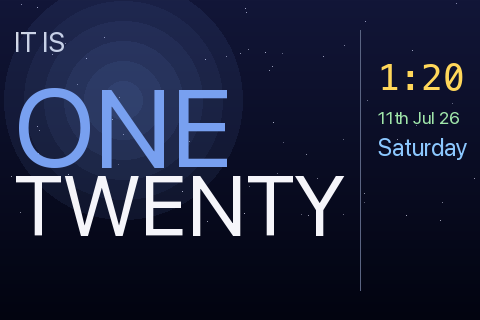
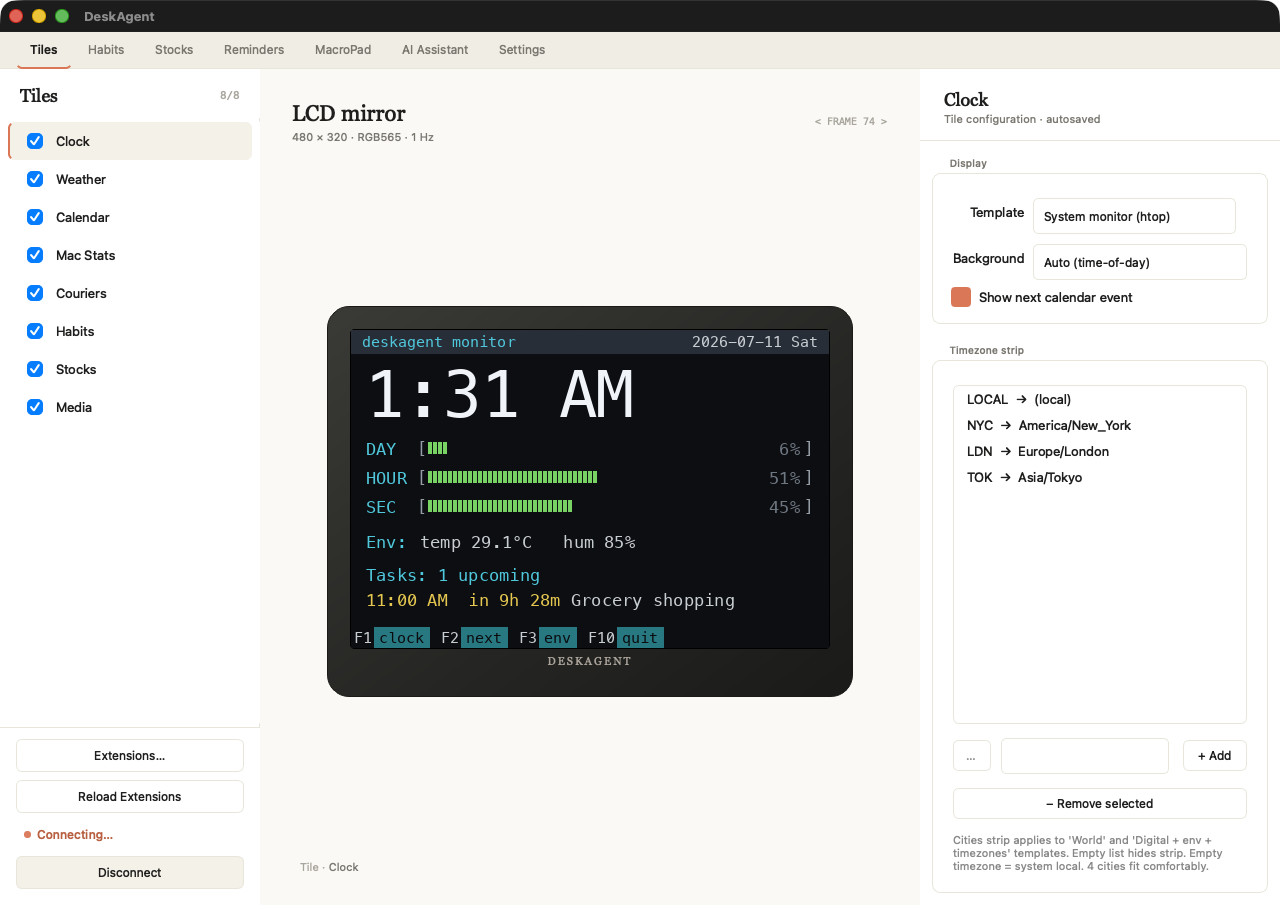
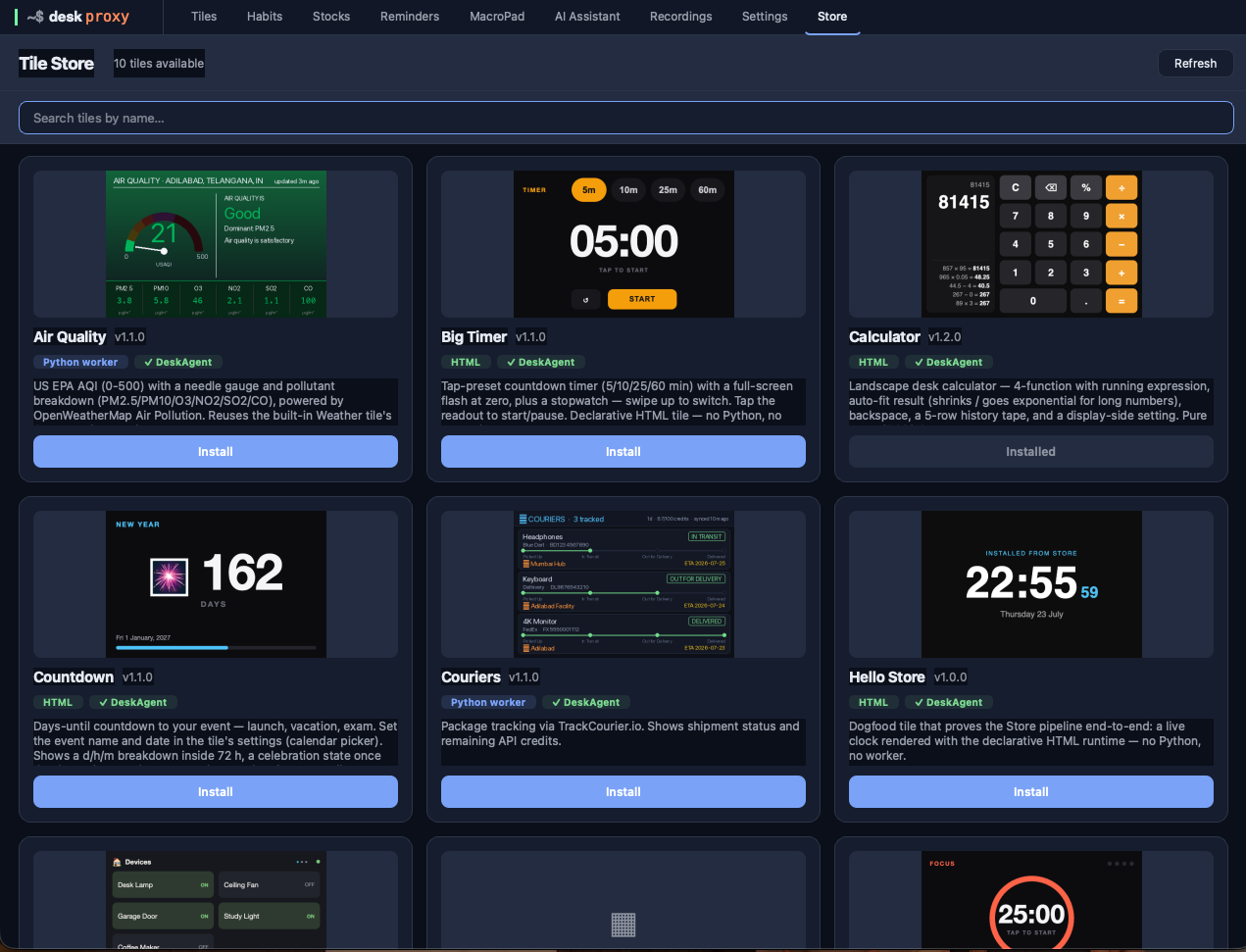
No. Nine tiles ship on the device and ten more are a click away in the store — clock faces, weather, calendar, stocks, media, habits, reminders, Mac stats and the macro pad. Writing your own is the ceiling, not the floor.
How does dictation work?
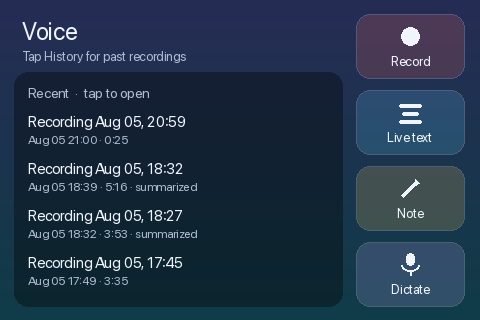
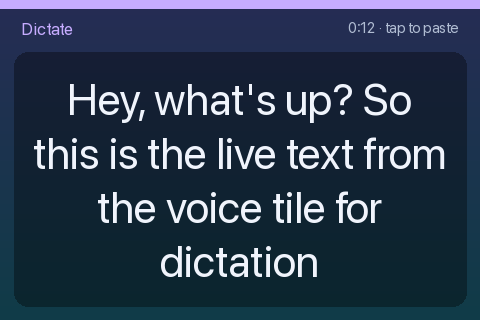
Press dictate and talk. The words appear on the display as you speak — the whole panel becomes the text, so you can see what's been heard. Tap when you're finished and it's tidied and dropped at your cursor in whatever app has focus. Tidied means filler words, false starts and self-corrections are stripped and the punctuation is added; it is never reworded, so your grammar and your phrasing come out the way you said them. It streams to a cloud transcriber under your own API key, which is what keeps it fast enough to follow you.
Do I need AI API keys?
Not for most of it. Clocks, weather, calendar, stocks, habits, reminders and every macro work with no AI at all. Where AI is involved it's your own key, billed to you at the provider's price with no markup — or free on your own local Ollama. Dictation and long-form meeting transcription are the parts that need a cloud key; they run at a latency nothing local matches yet.
Does it need an internet connection?
The device talks to your Mac over USB, not over your network. Individual tiles reach the internet only for their own data — weather needs a forecast, your calendar needs your calendar. A clock face works on a plane.
Is there a subscription?
No. There's no cloud tier you get pushed onto and no monthly AI fee — the only account is the one that registers your device to you. First-party tiles are free for as long as the product exists. When you use AI, you pay the provider directly at their price.
What happens if you stop developing it?
A fair question to ask anyone selling pre-launch hardware. The tiles are plain HTML and CSS, the SDK and the USB protocol are publicly documented, and if we ever wind the project down we will publish the firmware and protocol spec so nobody is left holding a brick.
What are the specs?
A 4-inch IPS capacitive touch panel at 480 × 800, a dual-core RISC-V SoC, a far-field microphone, an RGB notification LED, a battery-backed real-time clock, and a single USB-C cable carrying both power and data. About a watt, no fan, no wall wart.